Mosaic by numbers from your photo
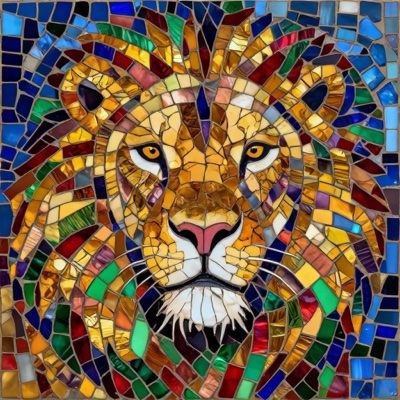
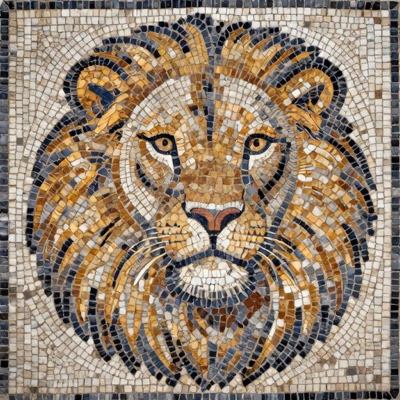
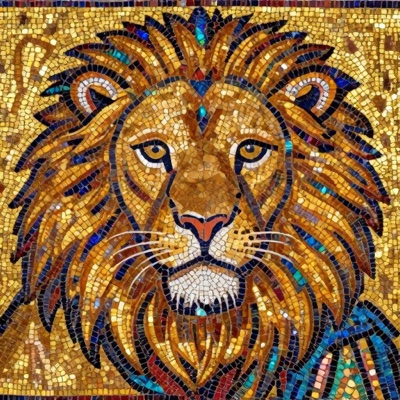
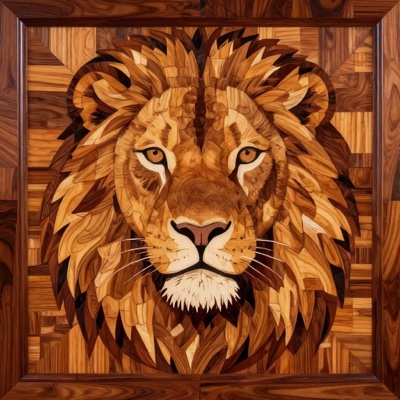
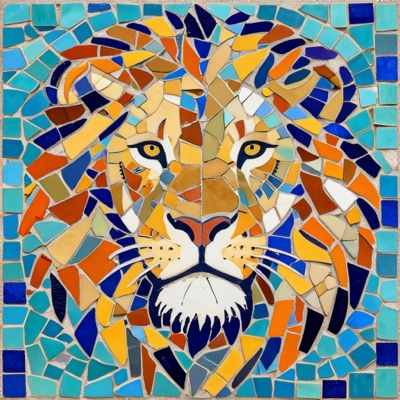
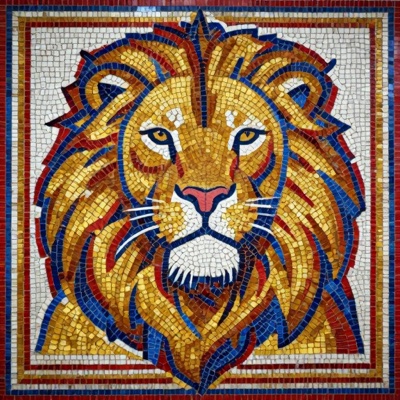
A mosaic by numbers is a chart you follow to lay a panel tile by tile: the image is mapped onto an even grid and every tile carries a colour number. Upload a photo, choose a palette and a size — the ANDAMENTO matrix technique builds the chart, shows the numbers right in the app, counts the tiles of every colour with a reserve and prepares a PDF to print on sheets at full size.
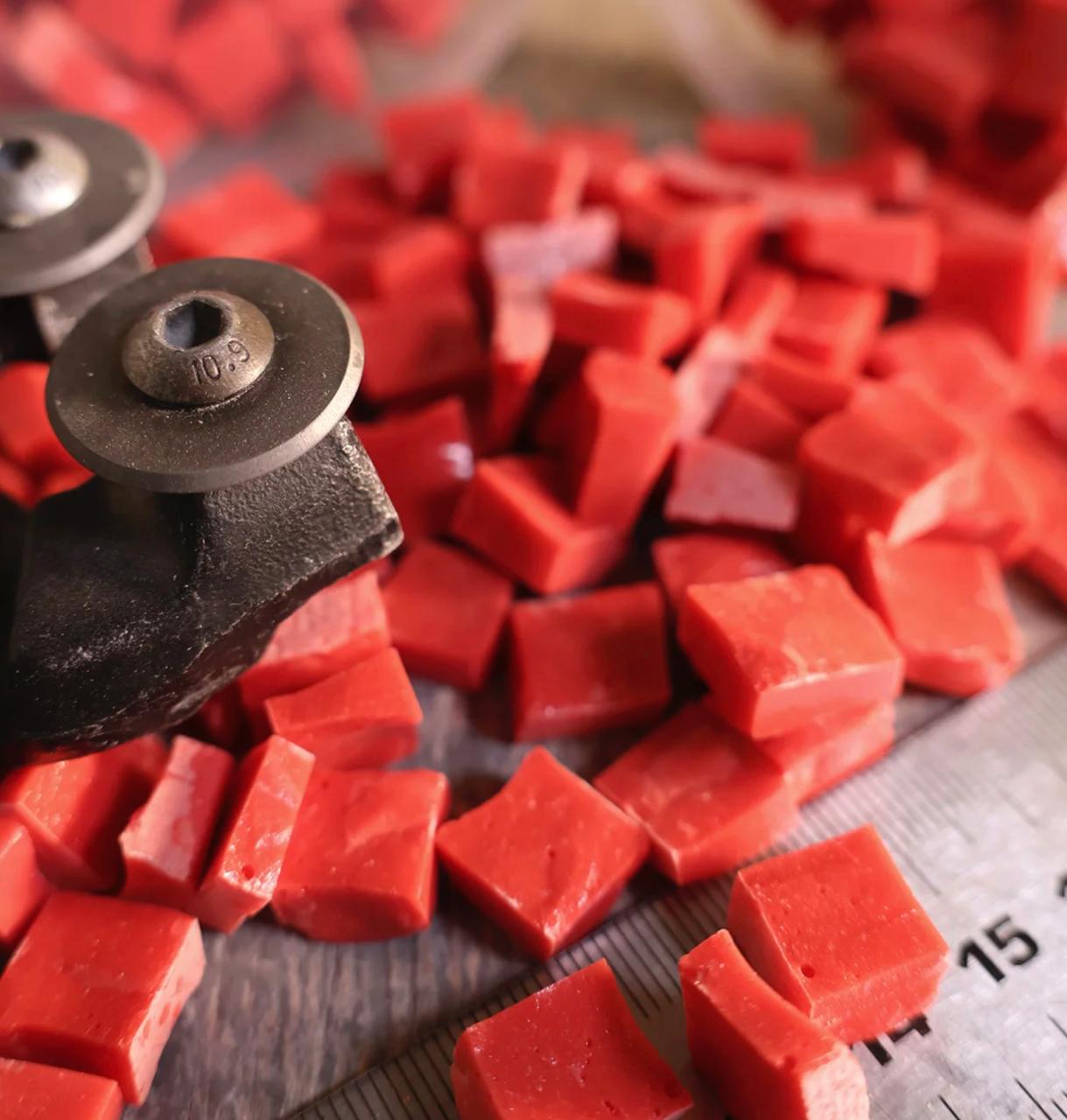
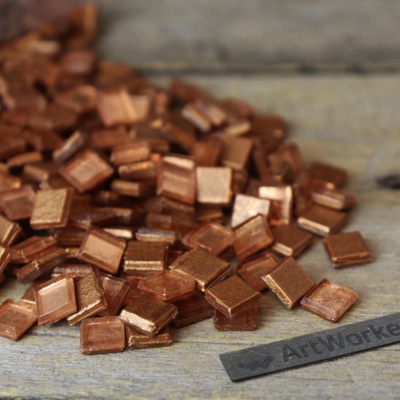
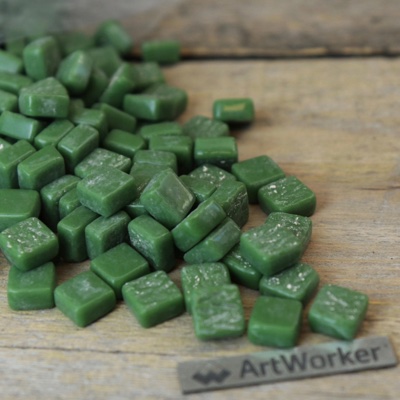
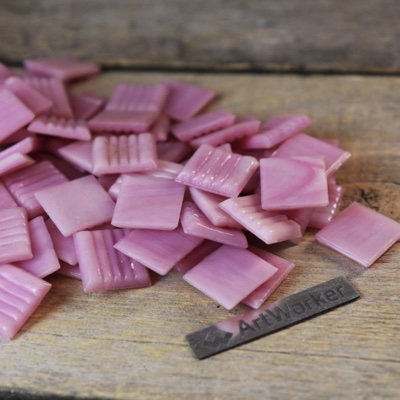
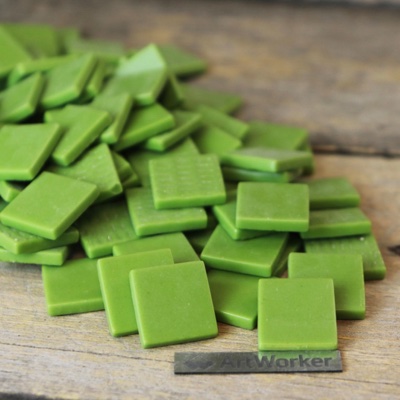
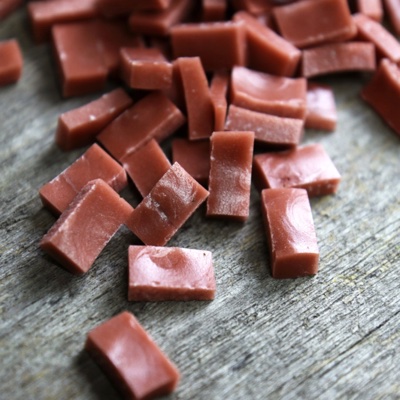
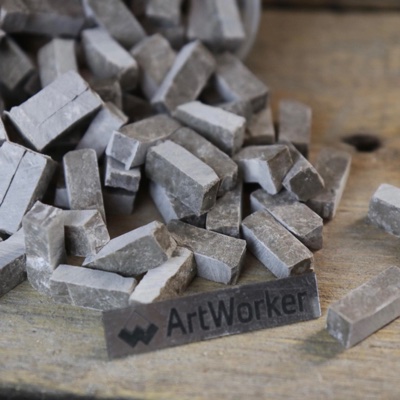
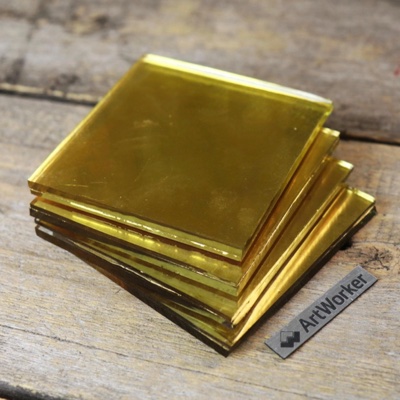
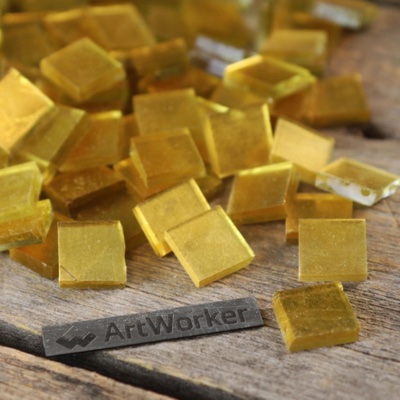
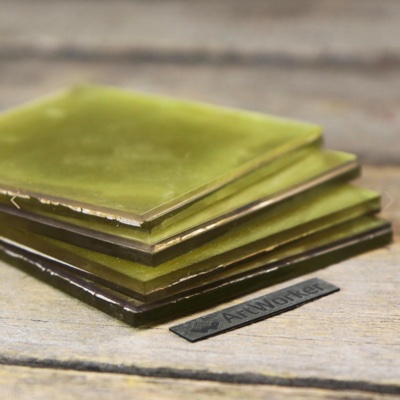
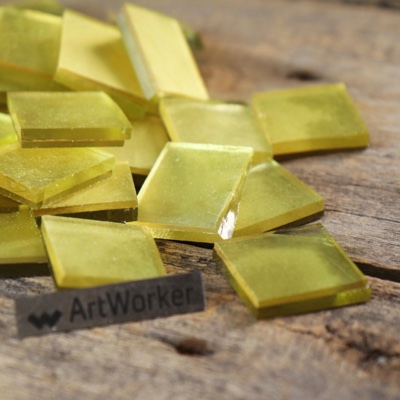
Palettes. Flory12 glass tiles (12 × 12 mm, 70 colours) and Flory24 series D (24 × 24 mm, 20 colours) — counted in pieces, kilograms and 500 g packs; MELTI smalti (10 mm tiles, 24 colours) — counted in notes; nominal sets of 48 and 128 colours with a 10 to 24 mm module — when you need a layout not tied to a material; Diamond — 2.5 mm drills with DMC-compatible codes. Flory and MELTI codes on the chart match the artworker.shop product codes.
Size and look. A panel is 10 cm to 10 m on each side, up to a million tiles; the size is counted in whole tiles including the grout, and the actual size is shown before you start. The height can follow the photo proportion or be set by you. Colour transitions — “Clean patches” (single stray tiles are removed, easier to lay) or “Smooth blends”; you can also cap the number of colours.
After generation. “Show numbers” opens the chart in 33 cm fragments with a number on every tile, like the overview grid; the CSV table lists the row, column, code and colour of every tile; “Download PDF” → “Print layout A4/A3” gives the sheet map, sheets of whole tiles with numbers, crop marks, a mini legend and a 100 mm bar to check the scale.
Diamond painting from a photoPixel mosaic from a photoTry a mosaic on your wallFlory tiles and MELTI smalti — artworker.shop
What is a mosaic by numbers?
It is a panel chart on an even grid: every cell is one tile, and every tile has a colour number from the palette. With such a chart you can lay a mosaic without art training — like paint by numbers, only in glass or smalti. In ANDAMENTO it is built by the matrix technique.
Which palette should I choose?
Flory12 is a small 12 mm tile with 70 colours: more detail, faces and lettering. Flory24 is a 24 mm tile: a large panel goes faster but with less detail. MELTI is 10 mm smalti counted in notes. The 48 and 128 colour sets are nominal: the codes are not tied to a material — handy if you pick the tiles yourself. Diamond is a chart for 2.5 mm drills.
How large can a panel be and how many tiles do I need?
From 10 cm to 10 m on each side, up to a million tiles. The size is counted in whole tiles including the grout: for example, 60 × 80 cm in Flory12 (12 mm, 1 mm grout) is 46 × 61 = 2,806 tiles. Under the result you get the count for every colour: pieces, kilograms and 500 g packs for glass, notes for MELTI, with a 10 % reserve (you can change it).
How do I see the numbers and print the chart?
“Show numbers” opens the chart fragment by fragment with a number on every tile; the CSV table exports the row, column and code of every tile. To print — “Download PDF” → “Print layout A4/A3”: full-size sheets of whole tiles, crop marks, a mini legend and a 100 mm bar; the first page is the sheet map and the legend with counts. With Pro the print layout uses no credits.
How is the matrix technique different from Pixel and diamond painting?
Pixel is a picture in big tiles for inspiration and social media: the subject is simplified artistically, with no sizes or exact counts. The matrix technique builds an exact chart of the size you set with numbers and a tile count — you assemble a real panel from it. Diamond is the same chart, but in 2.5 mm drills and with symbols instead of numbers.
What if the photo has a different proportion than the panel?
Set your own height and the app offers “Edit sketch”: move the frame or fill the margins with a tone or a mirrored edge. You can also keep it as is: the frame is then cropped at the centre to the panel proportion.
How much does it cost?
The matrix technique is part of the Pro subscription: a chart costs 1 credit, the A4/A3 print layout uses no credits. Pro includes 120 credits a month. Without a subscription you can set up the form and look around; starting a chart opens the Pro window.
Materials calculator