
Mosaic materials calculator
How it worksThe materials calculator estimates how much smalti or mosaic tile a panel needs. Enter the panel dimensions and tessera module — the calculator works out the covered area and the amount of material.
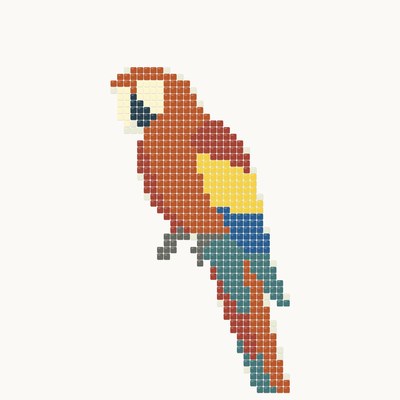
The estimate from a photo is made in the app, under the result: upload a photo of a finished mosaic or a sketch to Visualize and a “Materials estimate” by the picture's colours (MELTI, ArtWorker V3.2 or both palettes) appears under it, together with the “Sketch passport” with materials and, with Pro, a print layout on sheets. A sketch made in “Mosaic from photo” comes with an estimate for its own palette.
Materials estimate from a photo — in VisualizeMosaic from a photo with a materials estimate
Frequently asked questions
How do I estimate smalti for a mosaic panel?
Enter the panel width and height, tessera size and joint width — the calculator computes the covered area and converts it into material quantity. Add 10–15% on top for cutting waste and breakage.
What is a tessera module?
The module is the size of a single mosaic element, e.g. 10×10 or 20×20 mm. A smaller module means more joints and higher grout consumption, while the main material quantity barely changes.
Should I order extra material?
Yes. Allow 10–15% extra for cutting, breakage and color matching, and up to 20% for complex designs with smooth color transitions.
Can I estimate materials from a photo of a finished mosaic or a sketch?
Yes, in the app — under the result. Upload the photo or sketch on this page or in Visualize: once you are signed in, the file is saved to your account and a “Materials estimate” appears under it. Choose the palette — MELTI, ArtWorker V3.2 or both — and the panel width, and the app counts the notes of every colour with a reserve. The estimate is approximate since the colours come from the picture; it uses no credits and has a daily limit. The same estimate goes into the “Sketch passport” and into the artworker.shop cart with quantities.
The photo is sent to the server only on “Try the sketch on” or “Visualize”.