Mosaic cartoon from a photo
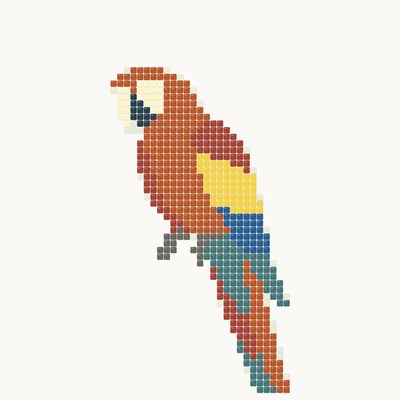

A cartoon is a mosaicist's full-size working drawing: tesserae are laid on it row by row. Upload a photo or describe a subject, set a panel size of 500 to 1000 mm and the tile module — AI simplifies the drawing to the tessera size, and the app lays it out in rows by module: around the outlines and as a border, with a background of Roman laying, waves or fans. The rows are exact: the pitch is the module plus 1 mm for the joint, so you can check them with a ruler and print them 1:1 for laying.
Mosaic from photo — classic and matrix techniquesMosaic by numbers from a photoPixel mosaic from a photoTry a mosaic on your wall
Frequently asked questions
How do I make a mosaic cartoon from a photo?
On the “From photo” tab open “Cartoon”, upload a photo and choose the panel size, module, background and palette. The “By module” variant draws a flat sketch and lays it out in rows of tesserae for your size; in 20–40 seconds the cartoon, the tile count and the print buttons appear under the result. From a description — the same on the “From description” tab.
Which module should I choose and why is the pitch larger than the module?
The module is the tessera size: 10, 15 or 20 mm (15 mm for everyone, 10 and 20 with Pro; for Flory12 glass the tile sets the module — 12 mm). The row pitch is the module plus 1 mm for the joint, the way a real laying goes. The smaller the module and the bigger the panel, the more rows and detail: at 500 mm and a 15 mm module about 31 rows across the short side, at 1000 mm and 10 mm about 90.
How big can the cartoon be?
Each side is 500 to 1000 mm in 10 mm steps; presets are 500 × 500, 700 × 700, 1000 × 600, 600 × 1000 and 1000 × 1000. The rows fit any size within these limits: a partial row of the straight rows is split evenly at the edges.
How do I print the cartoon at full size?
With Pro, under the result — “Download PDF” → “Print layout A4/A3”: the cartoon is cut into 1:1 sheets with an overlap, crop marks and a 100 mm bar to check the scale. The “Mirrored” box flips the drawing for the indirect method, when tesserae are laid face down.
How many tiles will I need?
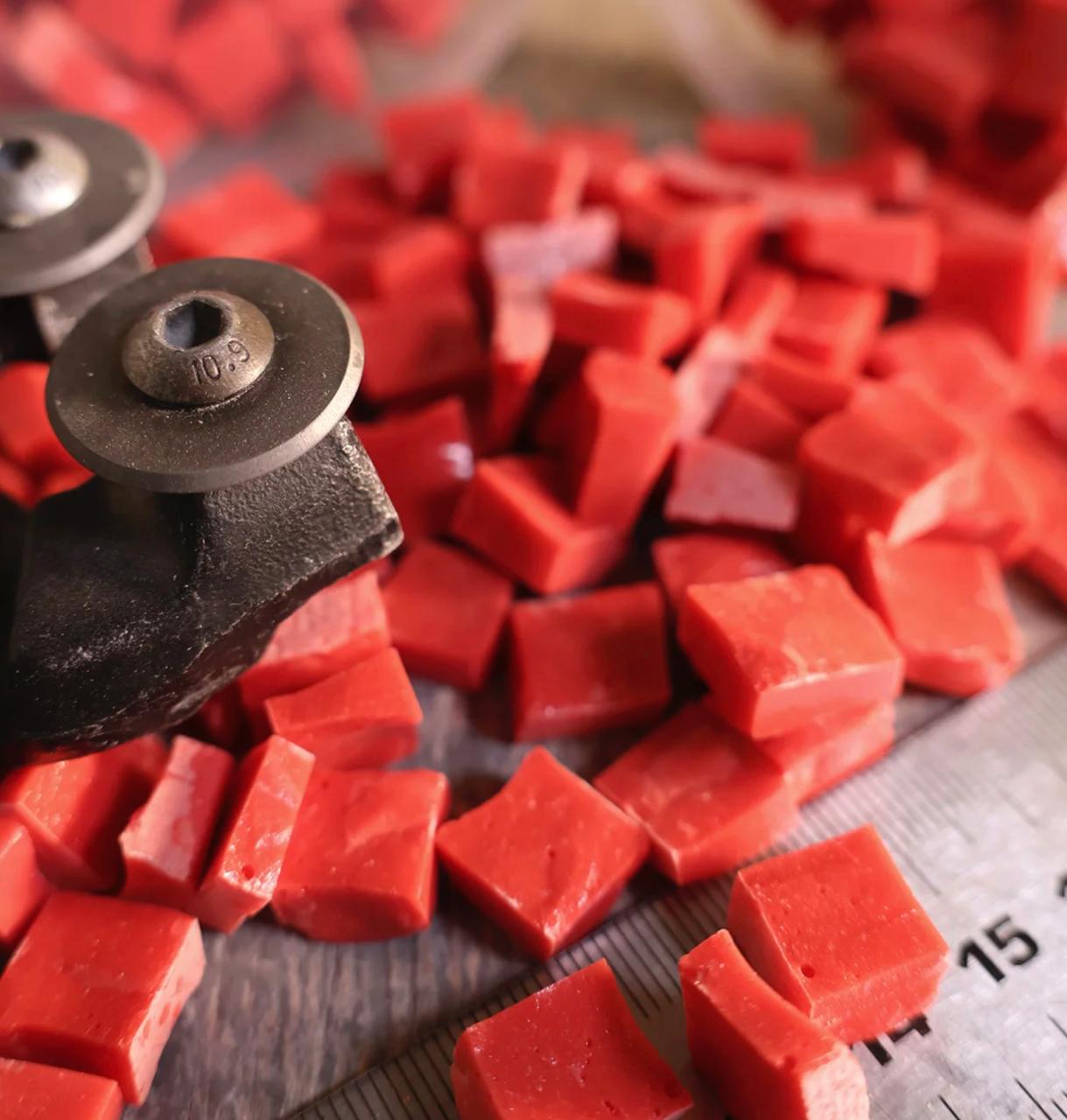
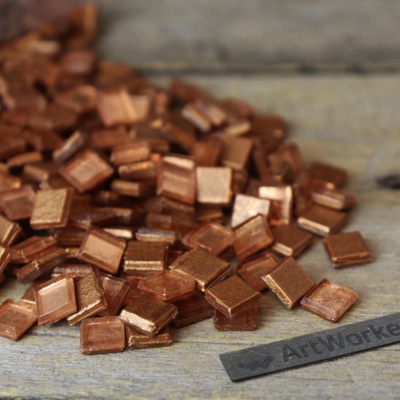
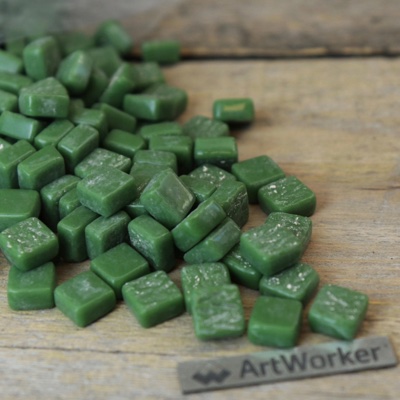
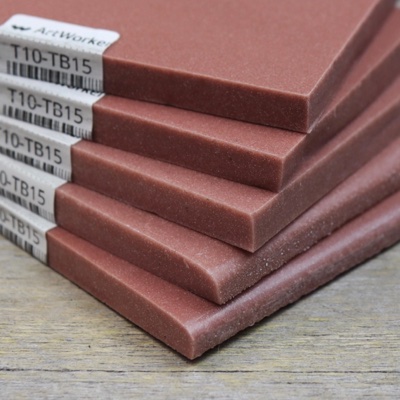
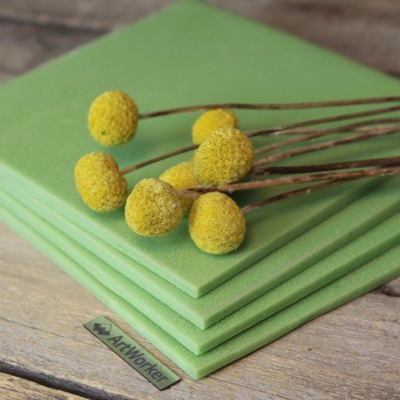
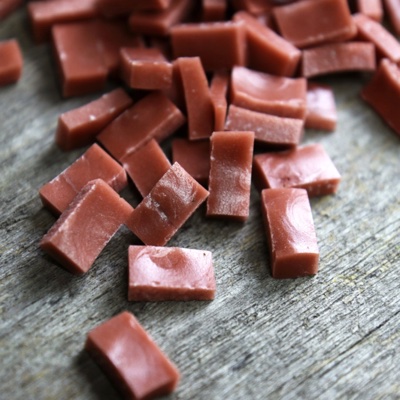
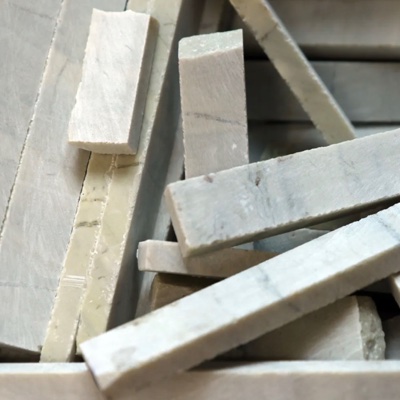
Under the cartoon there is a count by tiles: how many tesserae of each colour go into the zones, the outline row and the border, with a reserve, in MELTI notes, ArtWorker V3.2 packs, Flory12 pieces or kilograms of stone. The cartoon colours snap to the chosen palette, so the count matches the drawing.
How much does it cost?
A cartoon from a photo is 3 credits, from a description — 2. After the generation you can change the background, border, palette, monochrome or the module within the same level of detail for free — the drawing is redrawn in a second without AI. 4K is 1 credit.
How is “By module” different from “Cartoon AI”?
“By module” has rows calculated by our code exactly to the tile module: you can check them with a ruler and print them 1:1 for laying; small details merge to the tessera size. “Cartoon AI” is an artistic sketch in the manner of our school's cartoons: AI paints both the drawing and the rows, like gouache on paper; the number and pitch of the rows are not exact — for inspiration and the overall look.
Materials calculator
Stained glass
Visualize
The photo is sent to the server only on “Try the sketch on” or “Visualize”.