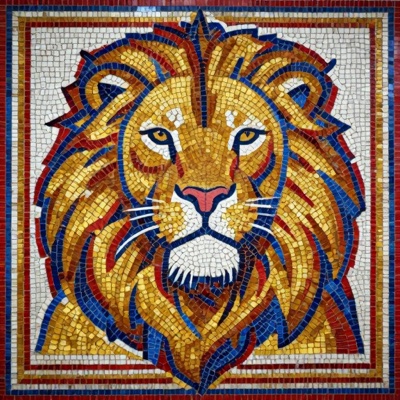
ANDAMENTO

Mosaic

A mosaic sketch from your photo or description
From promptPrompt
Soon Constructor
From photoPhoto
Mosaic constructor — coming soon
Precise tessera layout from your sketch, a row-by-row assembly scheme and a 1:1 cartoon for printing. Module, grout and palette — matched to your material. Leave your email — we will write on launch day.
Without Pro the sketch and a reduced copy of your source photo are published in the public ANDAMENTO feed under your username. With Pro your works are private.
Click or drag & drop
JPG, PNG up to 20MB
Classic AI
ArtWorker AI, all colors
Pixel
Flory12 tiles
PRO
Matrix
MELTI · 48 · 128 · Flory12 · Flory24 · Diamond
100×100 см
Custom size PRO
Modern Mosaic
Modern Mosaic
Varied shapes, modern style
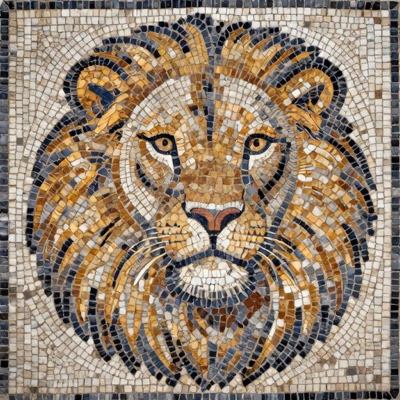
Opus Tessellatum
Opus Tessellatum
1st c. BC. Small square tesserae, Pompeii.
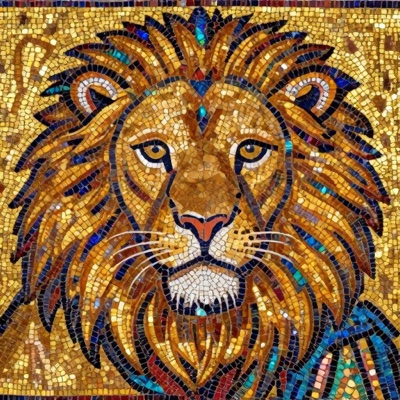
Byzantine Mosaic
Byzantine Mosaic
5th–15th c. Gold background, smalto, Ravenna.
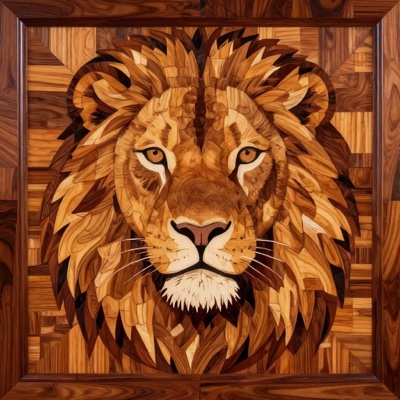
Marquetry
Marquetry
17th–19th c. Wood veneer inlay.
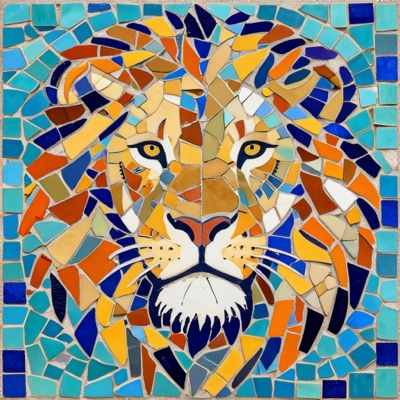
Trencadís
Trencadís
19th–20th c. Broken ceramic, Gaudí, Barcelona.
Soviet Mosaic
Soviet Mosaic
20th c. Monumental smalto, metro, socialist realism.
What to write: who or what · background · colours · mood. Example: “a fox in a winter forest, blue and orange, calm”
Flexible
Custom size PRO
Without Pro the result is published in the public ANDAMENTO feed under your username. With Pro your works are private.
Your sketch will appear here
Generating...
please wait...

Materials calculator
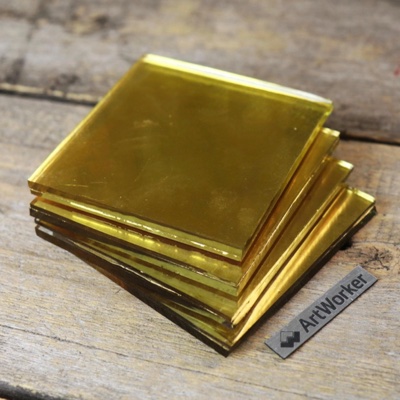
MELTI
MELTI
MELTI notes
1 note = 1 dm² · 150 g
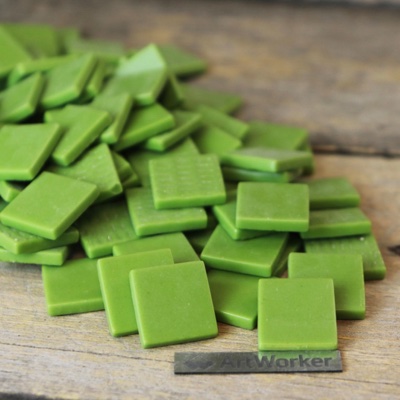
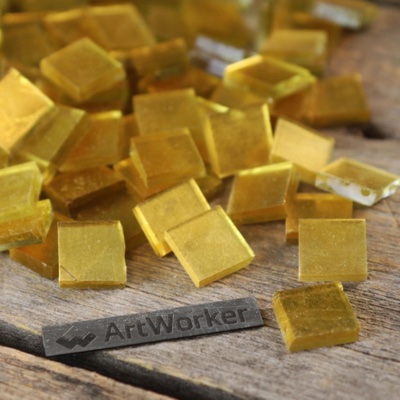
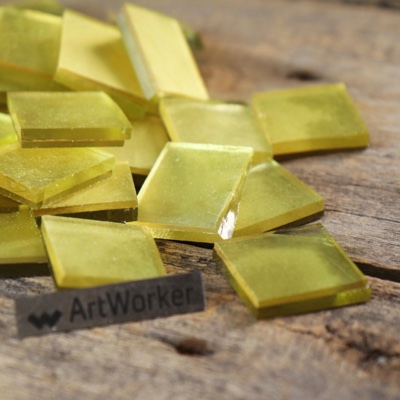
FLORY glass tile
FLORY10
FLORY10
10 кг/м2
FLORY12
FLORY12
11.25 кг/м2
FLORY20
FLORY20
10 кг/м2
FLORY24
FLORY24
11.25 кг/м2
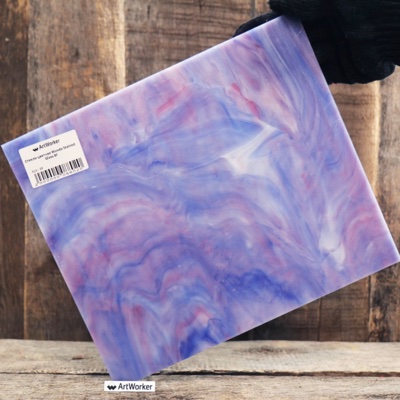
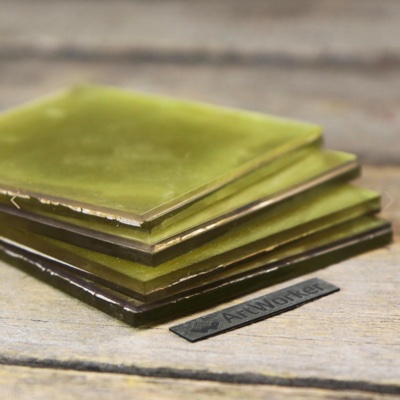
Stained glass
Stained glass
7.5 кг/м2
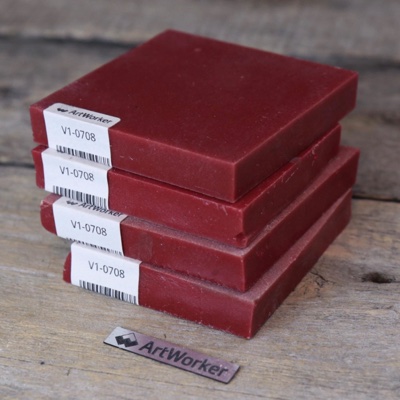
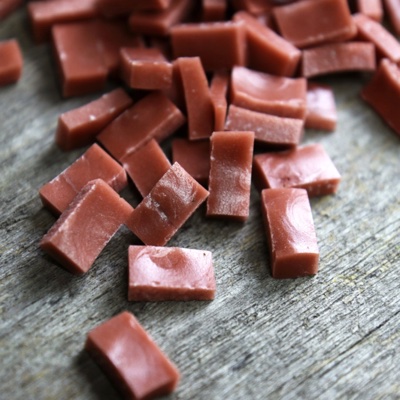
Smalto
Smalto brick 15mm
Smalto brick 15mm
37.5 кг/м2
Smalto brick 10mm
Smalto brick 10mm
25 кг/м2
Smalto tile 7mm
Smalto tile 7mm
17.5 кг/м2
Broken smalto
Broken smalto
12.5 кг/м2
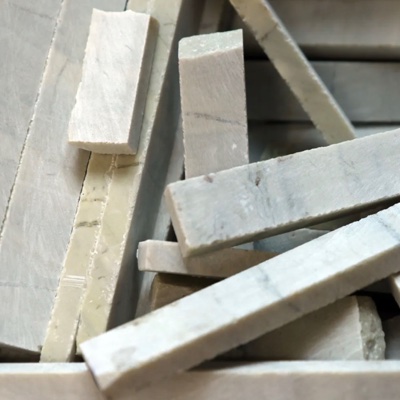
Marble
Marble bricks
Marble bricks 10mm
25 кг/м2
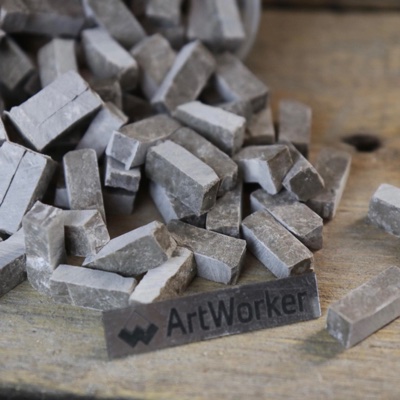
Broken marble
Broken marble
15 кг/м2
Gold smalto
Gold smalto 91x91
91×91мм · 4мм
10 кг/м2
Cut gold 15x15
Cut 15×15mm · 6mm
15 кг/м2
Gold on silver 91x91
On silver 91×91mm · 6mm
15 кг/м2
Gold on silver 30x30
On silver 30×30mm · 4mm
10 кг/м2

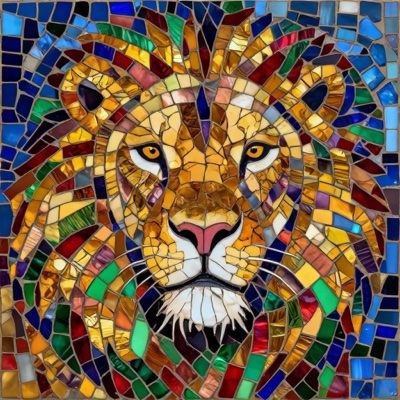
Stained glass

A stained-glass sketch from your photo or description
From prompt
From photo
What to write: one main subject and 2–4 colours — stained glass needs large shapes. Example: “irises, blue and gold”
Without Pro the result is published in the public ANDAMENTO feed under your username. With Pro your works are private.
Your stained glass sketch will appear here
Assembling the glass...
usually under a minute

Graphics

Fresco, sgraffito, relief, stove tiles — 24 styles
Flexible
Custom size PRO
Without Pro the result is published in the public ANDAMENTO feed under your username. With Pro your works are private.
Your sketch will appear here
Working the plaster...
usually under a minute

Visualize: a mosaic in your interior

Finish your sketch and place it in an interior — at the real panel size
Overlay without AIfree
With AI — realisticPro · 3 credits
My photo
Description
Upload a photo of a wall, a room or a facade
The photo goes to the server only when you press “Visualize”
Choose a sketch — finish it or place it in an interior right away
You can stop at the sketch: save it and get 4K and PDF below the picture
On a wall
In a window · glass
A visualization is always private — it never goes to the feed

Visualize shows the mosaic in place before you pick up the smalti. Step 1 is the sketch: your work from the account, the one you have just made or any file. “Edit sketch” sets the frame, proportions and margins (a fill is free, “Extend with AI” costs 3 credits), save it to your account and download it in 4K or as a PDF right here. Step 2 is “Place in a visualization”: check the panel size and choose an interior: your own photo of a wall, a room or a facade, or a ready description (living room, kitchen, bathroom, hall, facade, pool, garden). AI places the panel in the space at its real size; on your own photo you can mark four corners and the sketch goes exactly there. A visualization costs 3 credits and is saved to your account. A full-size sketch can be printed on A4 or A3 sheets (Pro).

Can I change the sketch proportions and extend the edges?

Yes. At the “Sketch” step press “Edit sketch”: set the wall size, move the frame and fill the empty margins with a tone, tesserae or a mirrored edge for free — or press “Extend with AI” (3 credits): AI continues the picture and the sketch itself stays unchanged. Save the sketch to your account to get 4K and PDF below it. You do not have to go on to an interior.

How do I try a mosaic in my interior from a photo?

Upload a photo of the wall or the room, choose a sketch and check the panel size. If the exact spot matters, turn on “Mark the spot on the photo” and drag the four corners. Press “Visualize” — AI places the panel with matching light and scale, and the result appears in your account.

Can I do it without my own photo?

Yes: pick an interior description — classic or modern living room, kitchen, bathroom, entrance hall, house facade, pool, garden — and refine it in your own words if you like. AI creates the interior with your sketch on a wall or in a window.

Is the size of the mosaic taken into account?

Yes. For works from your account the size is filled in automatically; for a new file you can set it. The size is passed to AI and the panel is scaled against doors, the ceiling and furniture.

How do I print a sketch at full size on A4 sheets?

Under the result choose “Download PDF” → “Print layout A4/A3”: sheets with a 10 mm overlap, crop marks and a 100 mm bar to check the scale. It is a Pro feature: 1 credit per work, other variants of the same work are free.

Where is my room photo stored?

While you choose the spot, the photo stays on your device. When you visualize, the photo and the sketch are sent for AI processing; the result and the photo are kept in your account, never published to the feed and deleted together with the work.

Explore
My limits today
From photo
—
From prompt
—
Sections
Discussion
?
-
Works
Credits
Invite
Settings
Free account
Details
ANDAMENTO PRO
120 credits per month. Matrix technique. Full privacy.
  • {n} {gen}/day from photo
  • {n} {gen}/day from prompt
  • Matrix technique (Pro only)
  • 4K downloads — 2 credits from your balance; Pro gets 120 a month
  • "All Colors" palette
  • Custom canvas size
  • Private generations & gallery — invisible to others
  • Support the project
Have a promo code?
Auto-renews monthly. Cancel anytime in your profile.