Pixel mosaic from a photo
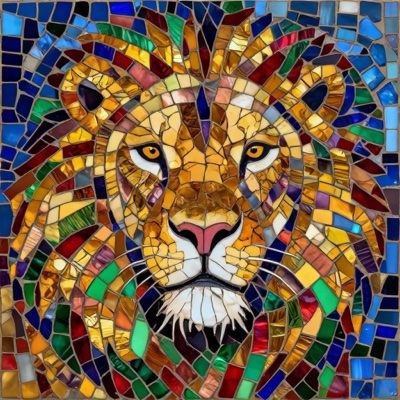
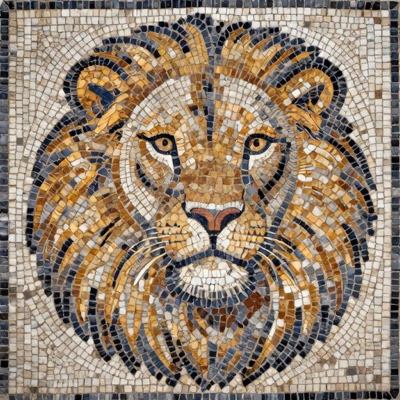
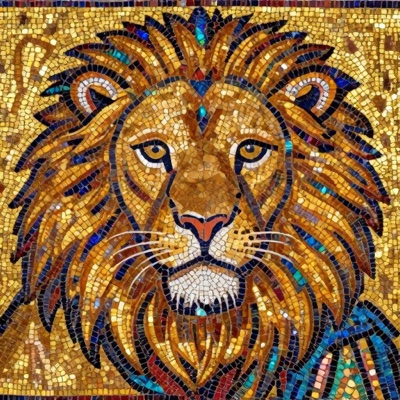
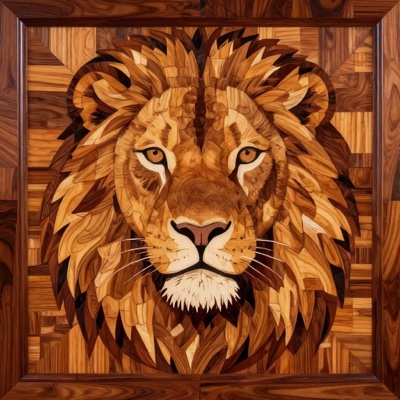
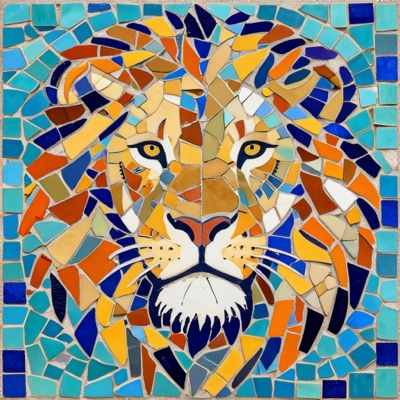
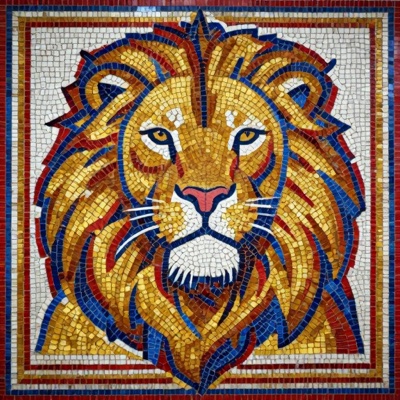
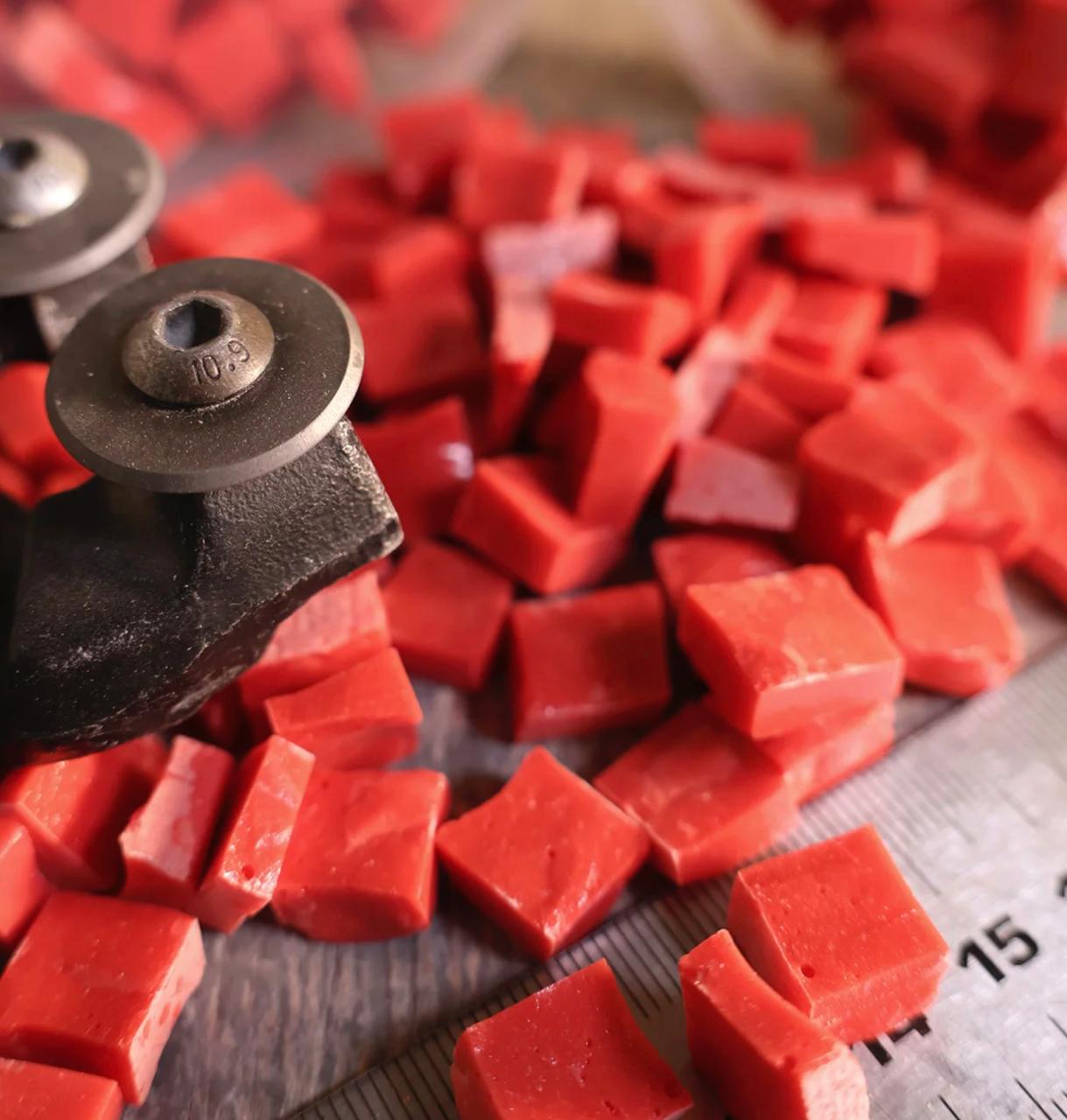
A pixel mosaic from a photo is a picture made of big glossy tiles, like a retro game sprite. Upload a photo, choose a style — “Big tiles” on white or “Big tiles with background” — and AI builds the picture from Flory12 glass tiles. Under the result you get the Flory12 colours it is made of and a link to the shop. It is a picture for inspiration and social media; an exact colour-by-colour layout with tile counts is what the matrix technique does.
Mosaic from photo — classic and matrix techniquesMosaic from description
How do I make a pixel mosaic from a photo?
Upload a photo on the “From photo” tab, pick the “Pixel” technique and one of the two styles. AI simplifies the subject into big coloured tiles and shows which Flory12 colours it uses.
How is Pixel different from the matrix technique?
Pixel is a beautiful picture without sizes: the subject is simplified artistically, like an icon or a sprite. The matrix technique (Pro) maps the photo onto an exact grid of tiles of a given size, counts the tiles of every colour, the grams and the packs — that is what you assemble a real panel from.
What is Flory12?
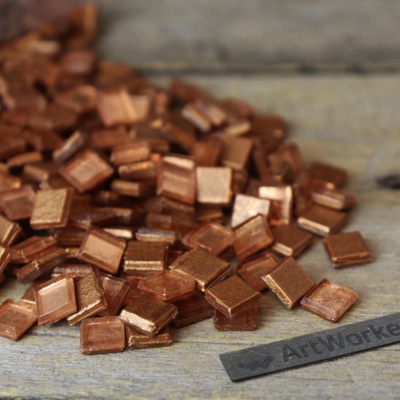
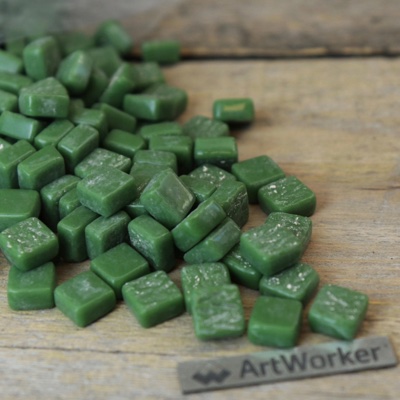
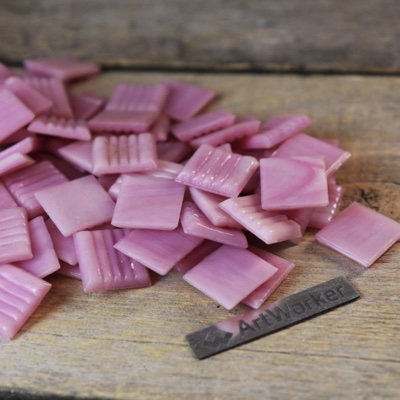
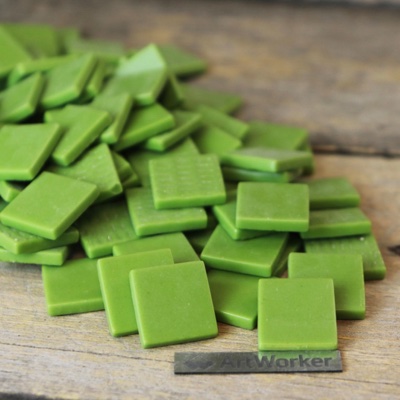
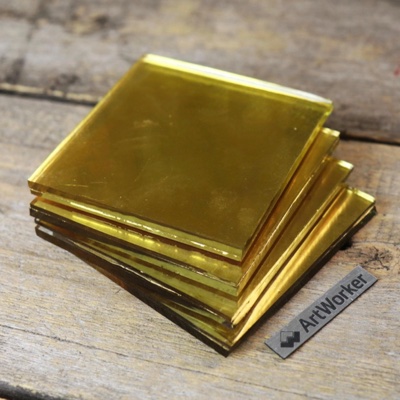
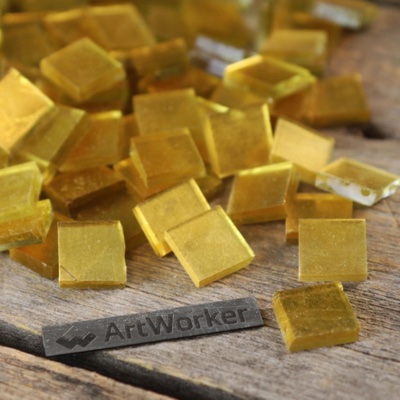
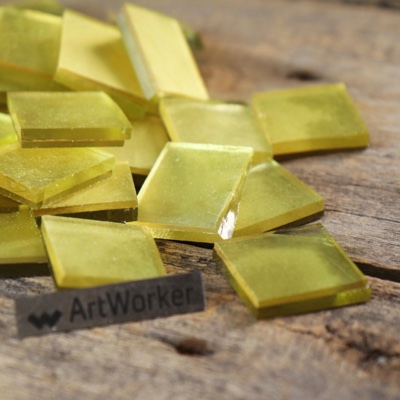
12×12 mm glass tiles from artworker.shop: 70 colours, glazed glass, suitable for outdoor use too. The same palette is available in the matrix technique, so you can go from the picture to a full layout in two taps.
Materials calculator