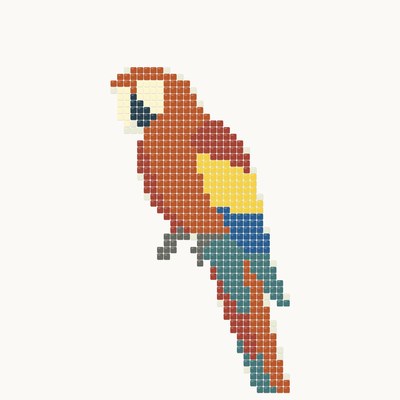

The ANDAMENTO mosaic generator turns a photo or a text description into a mosaic sketch. Pick a technique — classic with a flowing module or matrix on a grid — a style, a palette and the panel size: the service builds a sketch you can lay a real mosaic from.
After generation, under the result: “Download sketch” (PNG; 4K costs 1 credit, AI-detailed 4K 2 credits, Pro) and “Download PDF”: the “Sketch passport” with the picture, parameters and materials and — with Pro, using no credits — the full-size “Print layout A4/A3”. “Try on” shows the sketch on a photo of your wall.
Diamond painting is a palette inside the matrix technique: the photo is mapped onto square 2.5 mm drills with no gaps, the colours are picked from 454 shades with DMC-compatible codes — at most 60 per chart. Panel: 100 to 1500 mm. With Pro the chart prints on A4 or A3 sheets at full size: drills carry colour symbols, and the legend lists the symbol, DMC code, name and drill count with a 10 % reserve.
Mosaic by numbers from a photoDiamond painting from a photoTry a mosaic on your wall
Frequently asked questions
My photo has a different proportion than the wall — what do I do?
Under the photo preview press “Edit sketch” (the app also offers it when the proportions differ): set the wall size, move the frame and fill the empty margins with a tone or a mirrored edge; with Pro you can press “Extend with AI” and AI continues the scene into the margins. The same window has “Change with AI” (Pro, 3 credits per request): remove clutter from the photo before the mosaic — the background or a stray object — change the palette or edit the picture by description. The mosaic comes out in the wall's proportion right away.
How do I make a mosaic from a photo?
Upload a photo, choose the technique, style, palette and panel size — the generator splits the image into tesserae and builds a sketch in the chosen technique. You can download the result, including 4K for 1 credit.
Which mosaic styles are there, and what are the Natural stone palette and the module?
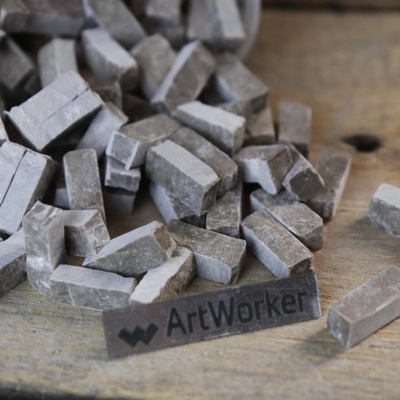
Six styles, the same for photos and descriptions: Classic — Roman laying with rows of tesserae following the form; Modern — free-cut smalti and glass; Soviet — monumental smalti murals of the 1960s–80s; Trencadís — broken ceramics in the manner of Gaudí; Opus · stone — Roman laying in marble; Incertum — irregular natural stone with no rows. The Natural stone palette sets stone in muted tones right in the AI request; the stone styles, Opus and Incertum, use it by default. The module is the piece size relative to the panel: small (≈ 10 mm), medium (≈ 15 mm) or large (≈ 20 mm); small and large are Pro.
What is the difference between the classic and matrix techniques?
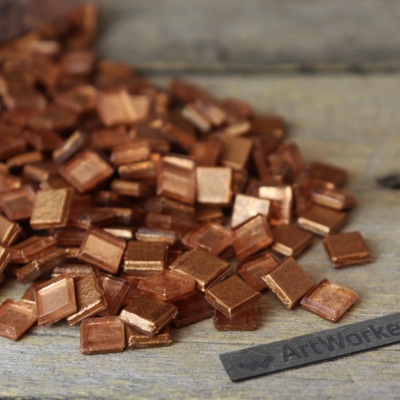
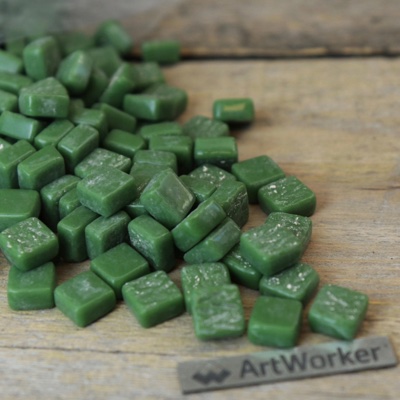
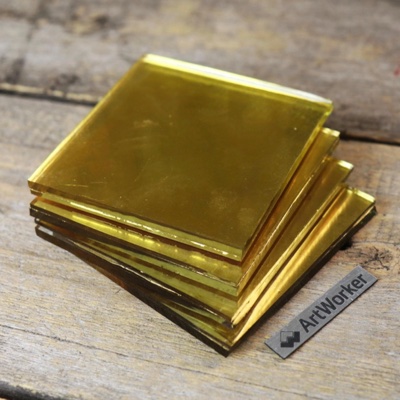
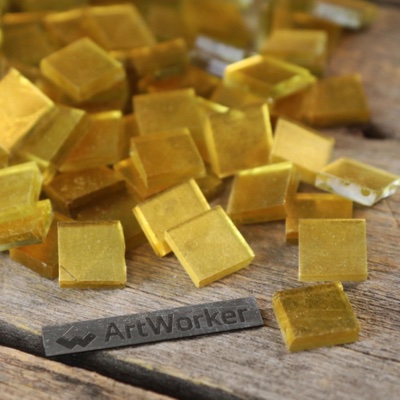
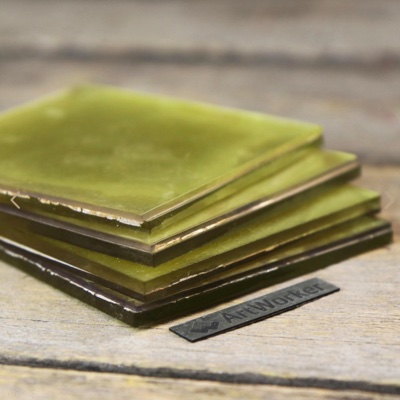
The classic one mimics a mosaicist's freehand laying: the module follows the subject and the joints flow along the drawing; palettes are MELTI smalti, ArtWorker V3.2, both together, Flory12 glass and Natural stone, plus “All colours” with Pro. The matrix one maps the image onto a straight grid of identical tesserae — the way mesh-backed mosaic panels are assembled.
Can I lay a real mosaic from the sketch?
Yes, the sketch prints as a cartoon for laying: the generator's palettes match real smalti series, and the materials calculator estimates how much you need for your panel.
How large can a matrix mosaic be?
From 100 to 10,000 mm on each side, up to a million tiles. Palettes: MELTI smalti (10 mm tiles), Flory12 (12 mm) and Flory24 (24 mm) glass, nominal sets of 48 and 128 colours, and Diamond — 2.5 mm drills for panels of 100 to 1500 mm. The size is counted in whole tiles and the estimate is per colour: notes for MELTI; pieces, kilograms and packs for glass; pieces with a reserve for drills.
How do I print a matrix mosaic scheme at full size?
With Pro, under the result — “Download PDF” → “Print layout A4/A3”: for the matrix technique the scheme is split into sheets of whole tiles, each tile carries its colour number (a symbol for Diamond), and every sheet has crop marks, a mini legend and a 100 mm bar to check the scale. The first page is the sheet map and the legend with counts. You can also view the numbers in the app and download a XLSX table and SVG chart. With Pro the print layout uses no credits.
How do I print a mosaic sketch at full size on A4 or A3 sheets?
Under the result choose “Download PDF” → “Print layout A4/A3”. A classic mosaic, stained glass or text-prompt sketch prints as a picture at full size on sheets with a 10 mm overlap; you can set the panel width. The first page is the sheet map, and the sheets carry crop marks and a 100 mm bar to check the scale. A matrix chart prints in whole tiles with a colour number on each. For a large panel make a 4K version first — the print will be sharper. The print layout is a Pro feature and uses no credits.
How much material do I need — where is the estimate?
Under the finished sketch there is an estimate per palette colour: notes for smalti; pieces, kilograms and packs for glass tiles; pieces for drills — with a reserve you can change. The same estimate is in the “Sketch passport”, a PDF with the picture, parameters, materials and how to assemble the panel (under “Download PDF”). For your own sizes and materials use the materials calculator.
How do I make a diamond painting chart from a photo?
Open “Matrix” → “Diamond” (Pro), upload a photo and set a size of 100 to 1500 mm. The generator maps the photo onto square 2.5 mm drills, picks at most 60 colours out of 454 with DMC-compatible codes and counts the drills of every colour with a 10 % reserve. In the print PDF every drill carries a colour symbol, and the legend lists the symbol, code, name and count.
Materials calculator
How it works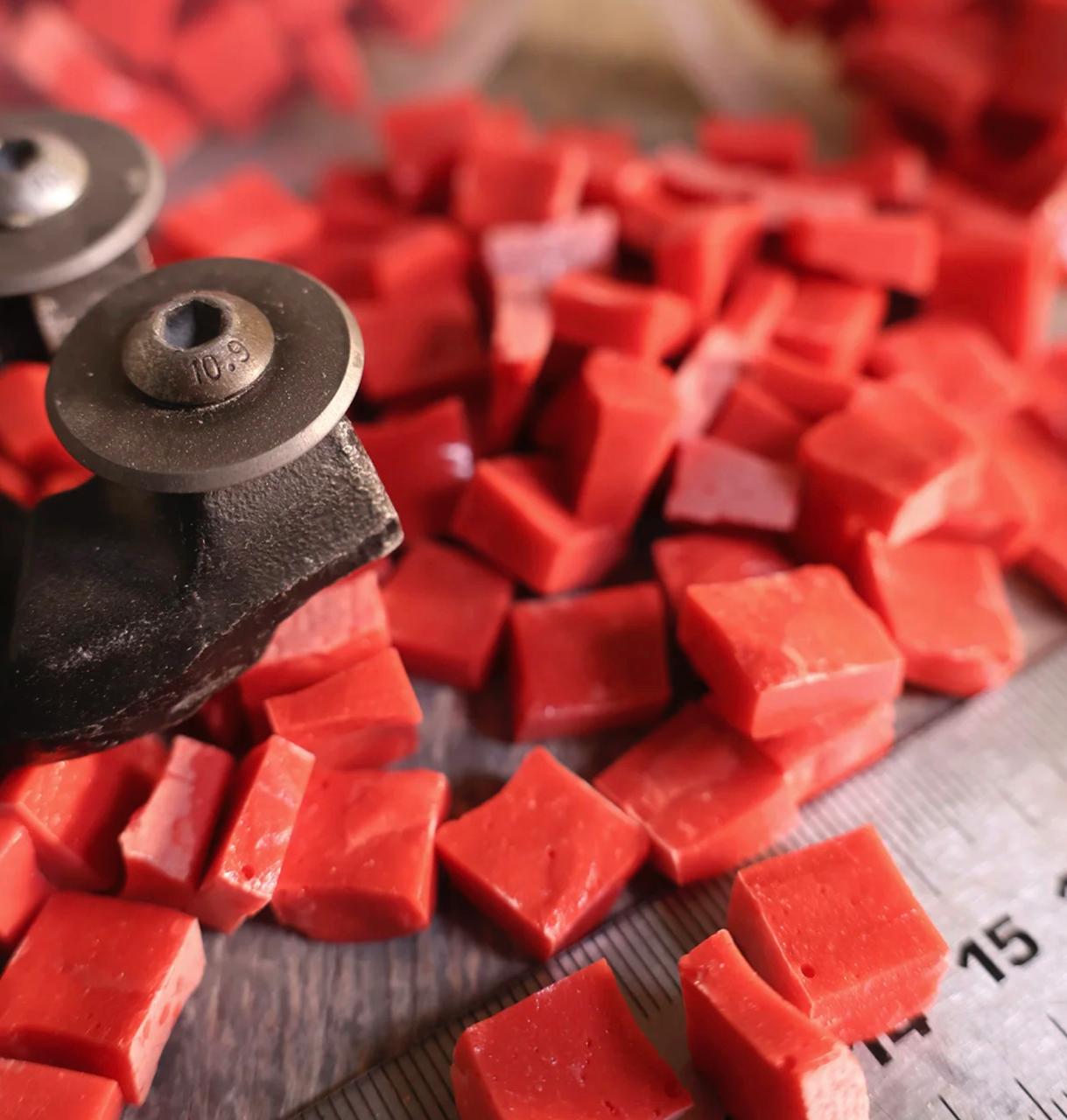
The photo is sent to the server only on “Try the sketch on” or “Visualize”.