Necessary cookies (session, language) are always on. With your consent we enable Yandex.Metrica (with session replay) and top.mail.ru for statistics. Details
Turn off auto-renewal?
Could you tell us why? One answer helps us improve.
Keep it on
Welcome to Pro!
Thank you for subscribing — it means a lot to us. You help us keep improving ANDAMENTO and making mosaic art more accessible for everyone.
Pro status activated
ANDAMENTO
Loading more…
Mosaic cartoon from a description
A mosaic sketch from your photo or description
How to create
From photo
From prompt
Upload photo
Without Pro the sketch and a reduced copy of your source photo are published in the public ANDAMENTO feed under your username. With Pro your works are private.
Your result will go to the public feed
You don't have Pro, so the sketch and a reduced copy of your source photo will be published in the public ANDAMENTO feed under your username and may be shown on our showcase and social accounts.
Published to the feed · training use allowed · change
Click or drag & drop
JPG, PNG, WEBP, HEIC, AVIF up to 20 MB
Technique
Classic
Artistic mosaic
Cartoon
Rows on the tile module
Matrix
Pixel · Diamond · by numbers
Palette
MELTI 24 colours
48 colours
128 colours
Flory12 · 12 mm
Flory24 · 24 mm
Diamond (DMC)
Module size (mm)
Seam (mm)
Panel size (mm)
Height auto-calculates from photo proportions
Colour transitions
Clean patches
Smooth blends
Large single-colour patches — easier to lay. Isolated tiles are cleaned up.
Style
Panel size
12 mm Flory12 tiles; the other side follows the photo proportions. A layout with tile numbers and a PDF come with Pro.
Style
Palette
MELTI 24 colours
ArtWorker V3.2 · 163 colours
MELTI + V3.2 · 186 colours
Flory12 · 70 colours
Natural stone
All coloursPRO
150 g/note · 24 colours · artworker.shop
Module relative to mosaic size
Small and large are Pro. Without a subscription — medium, ≈ 15 mm.
Piece size
follows the photo
Publication consent needed ↑
What to depict
Complex scenes come out better in X3 Ultra
Technique
Classic
Artistic mosaic
Cartoon
Rows on the tile module
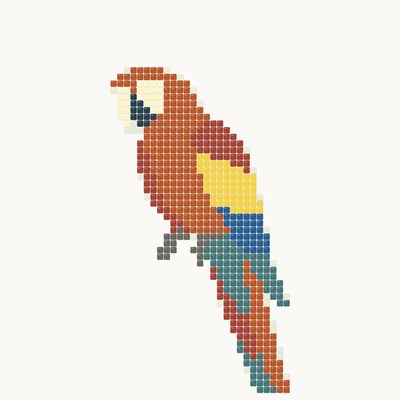
Pixel
Flory12 tiles · X2 and X3
Style
Style
A panel of big Flory12 tiles — 500, 700 or 1000 mm
Tiles
A figure on white
Tiles with background
The whole frame in tiles
Panel size
Palette
MELTI 24 colours
ArtWorker V3.2 · 163 colours
MELTI + V3.2 · 186 colours
Flory12 · 70 colours
Natural stone
All coloursPRO
150 g/note · 24 colours · artworker.shop
Module relative to mosaic size
Small and large are Pro. Without a subscription — medium, ≈ 15 mm.
Small ≈ 10 mm · medium ≈ 15 mm · large ≈ 20 mm
Piece size
Without Pro the result is published in the public ANDAMENTO feed under your username. With Pro your works are private.
AI mode
Your sketch will appear here
Materialscalculator
MELTI
MELTI notes
1 note = 1 dm² · 150 g
FLORY glass tile
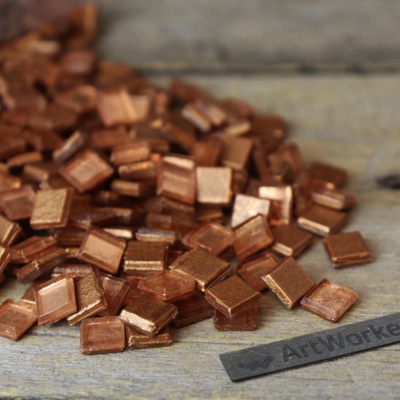
FLORY10
10 кг/м²
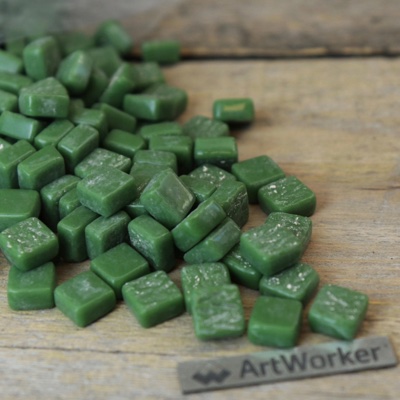
FLORY12
11,25 кг/м²
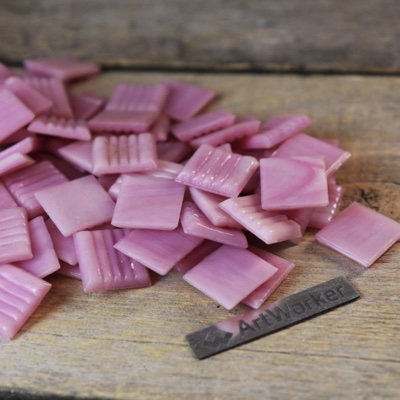
FLORY20
10 кг/м²
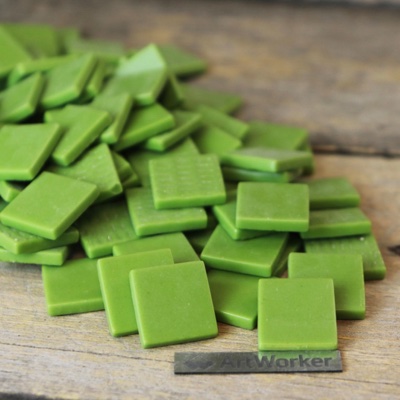
FLORY24
11,25 кг/м²
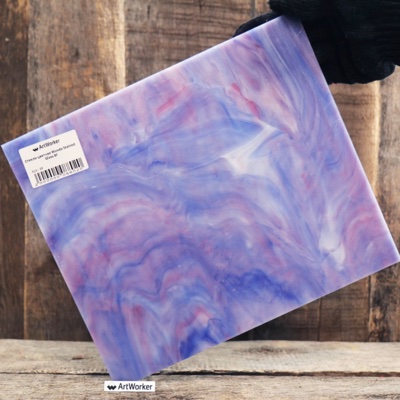
Stained glass
7,5 кг/м²
Smalto
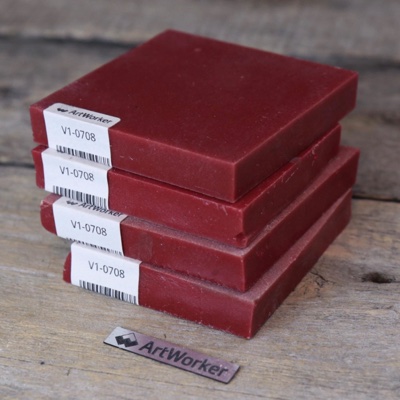
Smalto brick 15 mm
37,5 кг/м²
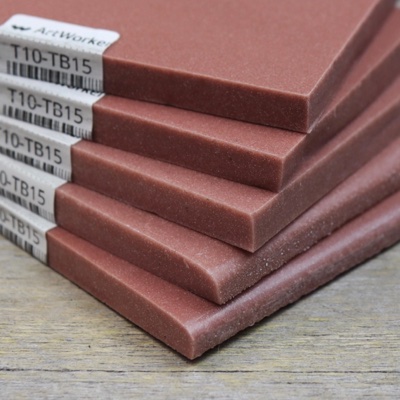
Smalto brick 10 mm
25 кг/м²
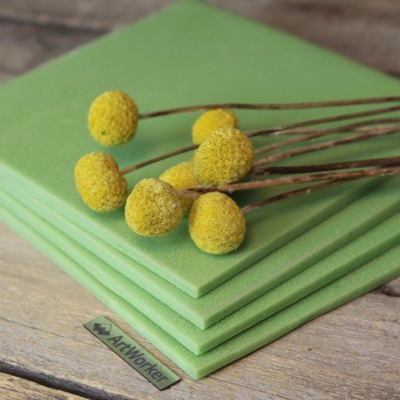
Smalto tile 7 mm
17,5 кг/м²
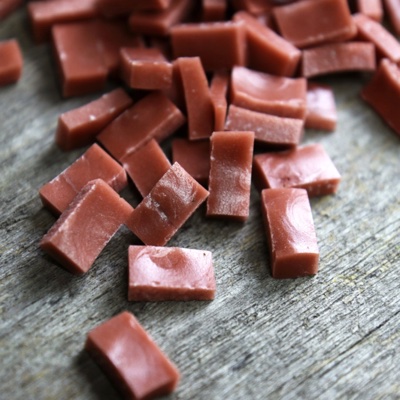
Broken smalto
12,5 кг/м²
Marble
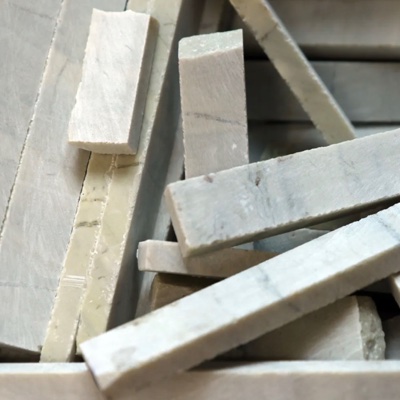
Marble bricks 10 mm
25 кг/м²
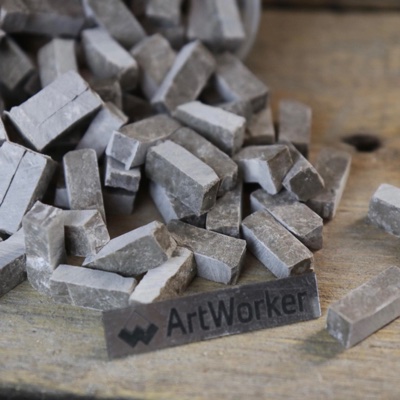
Broken marble
15 кг/м²
Gold smalto
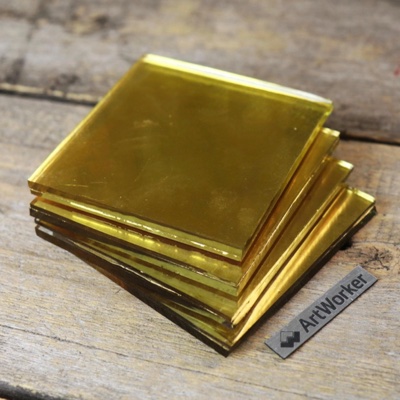
91×91 мм · 4 мм
10 кг/м²
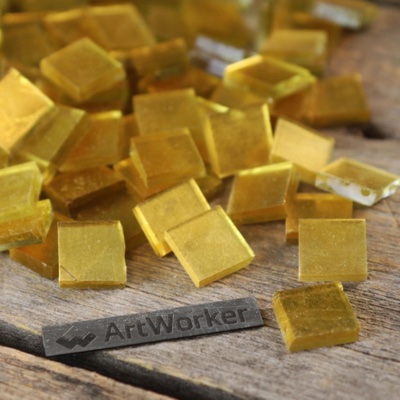
Cut 15×15 mm · 6 mm
15 кг/м²
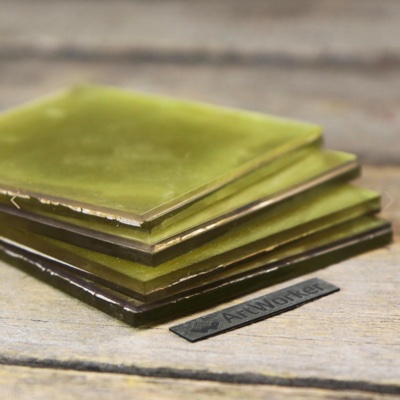
On silver 91×91 mm · 6 mm
15 кг/м²
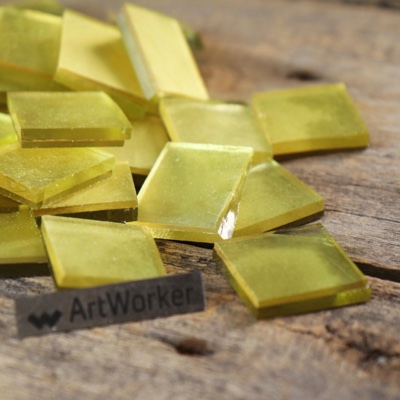
On silver 30×30 mm · 4 mm
10 кг/м²
Component A and B ratios
Ratios for preparing one batch of epoxy grout
Component A—
Component B—
Usage per area
How much grout you need for your mosaic
10×10 мм
15×15 мм
20×20 мм
25×25 мм
50×50 мм
100×100 мм
200×200 мм
300×300 мм
600×600 мм
1 мм
1,5 мм
2 мм
3 мм
5 мм
4 мм
6 мм
8 мм
10 мм
Mounting layer—
Per 1 m²—
Reserve, %
Итого с запасом 10%—
Data taken from official manufacturer spec sheets. Before work, check the instructions for your specific grout batch.
Grout mix
How much water to add to the grout amount
Groutg
Waterml
Usage per area
How much grout you need for your mosaic
10×10 мм
15×15 мм
20×20 мм
25×25 мм
50×50 мм
100×100 мм
200×200 мм
300×300 мм
600×600 мм
1 мм
1,5 мм
2 мм
3 мм
5 мм
4 мм
6 мм
8 мм
10 мм
Per 1 m²—
Reserve, %
Итого с запасом 10%—
Data taken from official manufacturer spec sheets. Before work, check the instructions for your specific grout batch.
Adhesive mix
Components for a single batch
Adhesive: kg
Additive: кг
Water: л
Usage per area
How much adhesive and additive you need for your area
Mosaic (up to 25×25 mm)
Tile up to 300×300
Tile 300×600 and larger
Reserve, %
Adhesive—
Additive—
Water—
Указано с запасом 10%
No data for this installation type
Data taken from official manufacturer spec sheets. Before work, check the instructions for your specific adhesive batch.
Stained glass
A stained-glass sketch from your photo or description
How to create
From photo
From prompt
What to depict
Without Pro the sketch and a reduced copy of your source photo are published in the public ANDAMENTO feed under your username. With Pro your works are private.
Your result will go to the public feed
You don't have Pro, so the sketch and a reduced copy of your source photo will be published in the public ANDAMENTO feed under your username and may be shown on our showcase and social accounts.
Published to the feed · training use allowed · change
Click or drag & drop
JPG, PNG, WEBP, HEIC, AVIF up to 20 MB
Technique
Module
Shape
Piece size
Without Pro the result is published in the public ANDAMENTO feed under your username. With Pro your works are private.
AI mode
Publication consent needed ↑
Your stained glass sketch will appear here
Visualize
Finish your sketch and place it in an interior — at the real panel size
Sketch
Click or drag & drop
JPG, PNG, WEBP, HEIC, AVIF up to 20 MB
Panel size, mm×
Interior source
Your photo
Create from a description
Click or drag & drop
JPG, PNG, WEBP, HEIC, AVIF up to 20 MB
A wall, a room or a facade
Shoot the wall straight on and in full, in daylight — the panel corners will sit more precisely. The photo is sent to the server only on “Try the sketch on” or “Visualize”.
What interior
The interior is ready — go on to the visualization
Where
On a wall
a panel on a wall
In a window · glass
stained glass in an opening
On the floor
a floor mosaic
Panel size
Panel position
Mark on the photo
four corners on the canvas
Let AI choose
AI picks the place, light and shadows
Panel corners on the photo
Choose a sketch — finish it or place it in an interior right away
You can stop at the sketch — 4K and PDF are below the picture
Your result will go to the public feed
You don't have Pro, so the visualisation — the sketch in your interior — will be published in the public ANDAMENTO feed under your username and may be shown in our showcase and social media.
A question, an idea or something broken — email us atonline@artworker.proor write right here:
?
-
Works
Credits
Invite
Settings
Free account
Have a promo code?
History
Your friend gets +{friend} credits when signing up via your link, you get +{referrer} after their first payment (pack or Pro). Bonuses last {days} days.
4–16 characters: Latin letters, digits and _. Can be changed once every 30 days; the old code stops working.
A friend enters the code at sign-up or in their account within 24 hours — it works exactly like your link.
Invited by a friend? Enter their code and get +10 credits
The code can be entered within 24 hours after sign-up and before your first payment.
No generations yet
Create your first mosaic!
Loading…
Account settings
Permissions
Sign-in codes, receipts and renewal emails are always sent.
Sign-in methods
We sent a code to this email — enter it below.
Account
Language
When signing in with a password from a new device we will ask for a code from your email. A device can be remembered for 30 days. Telegram and Pinterest sign-in need no code.
Your account, all your works and personal data will be deleted permanently. Remaining credits and any paid Pro period are forfeited and auto-renewal is switched off. Payment records are kept anonymised for as long as the law requires.
Invited by a friend? Enter their code and get +10 credits. You can also enter it later in your account, within the first 24 hours.
Подтвердите действие
Код отправлен на почту администратора. После подтверждения — 15 минут на все действия.
Отмена·Отправить снова
What's new in ANDAMENTO 3.1
New in version 3.1:
Cartoon — a new technique: rows on a 10 / 15 / 20 mm tile module fitted to your size of 500–1000 mm. Background, border, palette and monochrome can be changed after generation for free
Pixel and Diamond moved inside “Matrix”: a second row of tabs, Pixel is open to everyone
Cartoon from a prompt — on the “From prompt” tab next to Classic and Pixel
Mirrored 1:1 printing of the cartoon — for the indirect laying method
{n} credits per month. Matrix technique. Full privacy.
{n} {gen}/day from photo
{n} {gen}/day from prompt
Matrix technique
4K с прорисовкой ИИ
Визуализация с ИИ-вставкой в интерьер
Extend and change the sketch with AI in the editor
1:1 print layout (PDF) at no charge
“All colours” palette, small and large module, custom size from a description
Private works — invisible to others
Support the project
Have a promo code?
Auto-renews monthly. Cancel anytime in your profile.
Join ANDAMENTO
Sign in
Register
Cancel
Order from the workshop
The sketch and its parameters are attached to the request automatically. Our manager will contact you to discuss the details.
How can we reach you — fill in at least one:
By sending the request you agree that your contacts and sketch parameters are passed to the ArtWorker workshop to contact you about the order (policy).
Cancel
Enter email for delivery
We will send the calculation to your email. You can also receive helpful mosaic materials.